
CREATOR TOOLKIT
YouTube Creator Tools for Every Step
Find the tools for your next content decision: keyword ideas, metadata drafts, scripts, niche research and channel reports.
View Plans & Start Trial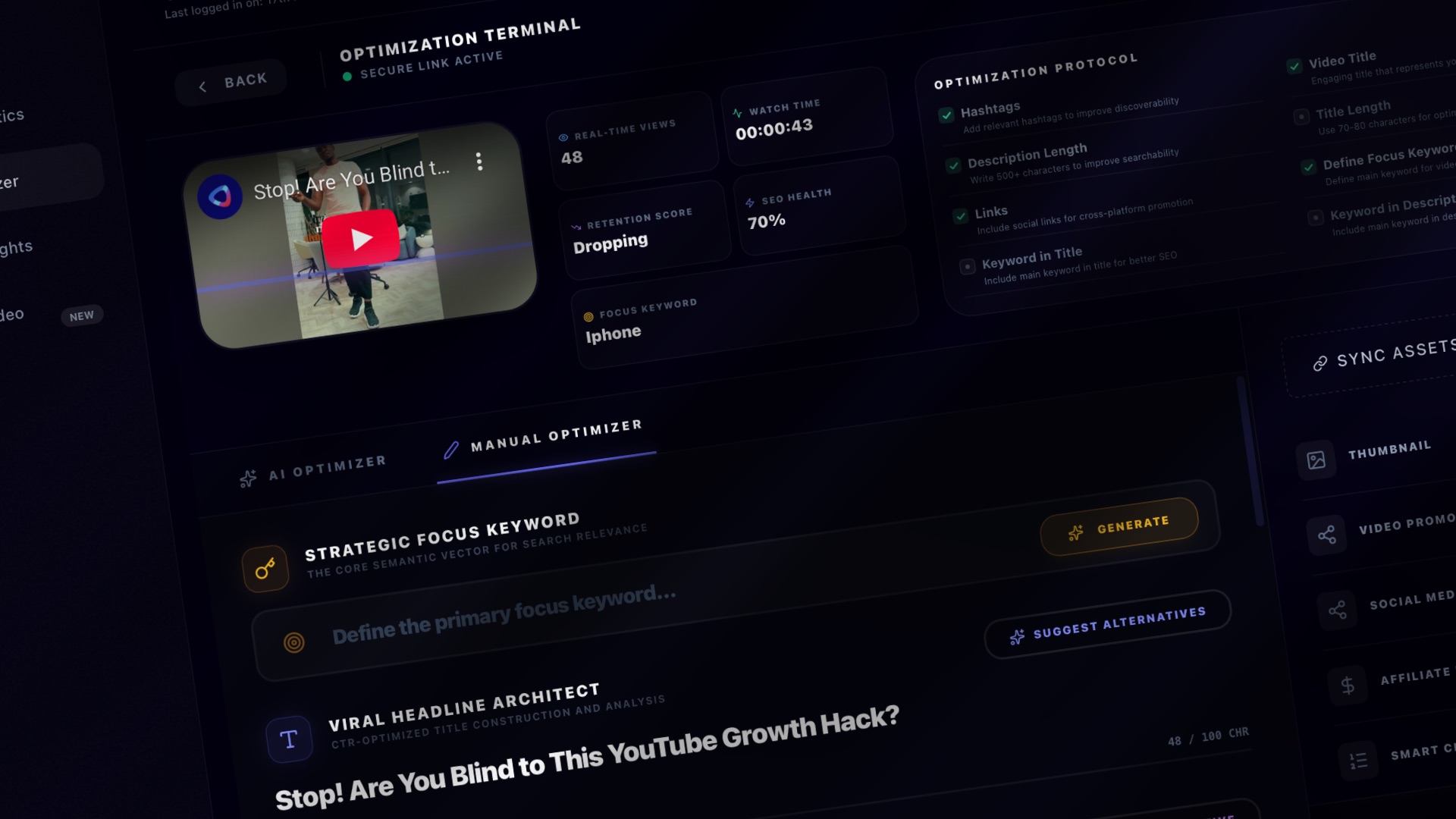
YouTube SEO & Video Metadata Tools
Prepare titles, descriptions and tags that explain your video clearly. Review AI-generated metadata and optimization suggestions before applying changes.
Explore this workflow →
YouTube Keyword Research for Your Next Video
Explore related keyword ideas and compare research signals before choosing a topic. Set a region and language to make your research more relevant.
Explore this workflow →
AI Script Writing for YouTube Videos
Turn a video idea into a script draft. Use AI to explore an outline and opening hook, then refine the wording, facts and pacing in your own voice.
Explore this workflow →
YouTube Channel Analytics for Better Decisions
Review your connected channel and video metrics in one workspace. Use the available reports to identify questions worth investigating before your next upload.
Explore this workflow →
Explore YouTube Niche Ideas
Explore possible YouTube niches and content directions. Use AI-assisted research to build a shortlist, then test it against your expertise and audience.
Explore this workflow →
YouTube Niche Trends & Topic Research
Research topics within a chosen niche and region. Use trend suggestions to explore possible angles for your next video and compare them with your audience needs.
Explore this workflow →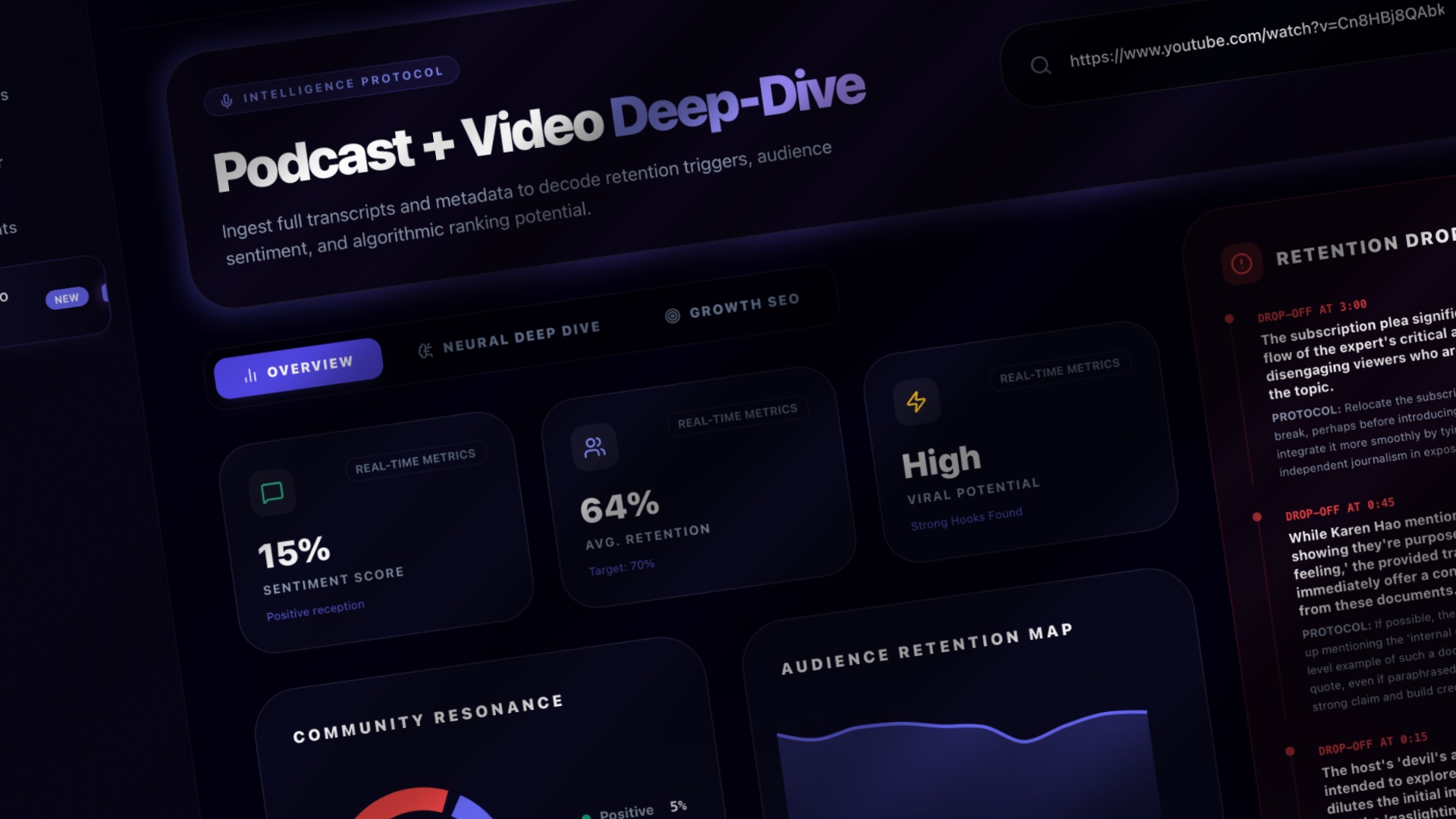
YouTube Podcast & Video Analysis
Submit a YouTube video or podcast link for an AI-assisted content report. Review the suggestions to plan an edit, a follow-up video or your next episode.
Explore this workflow →Explore the workflows shown in the product screenshots. Feature access, credits and channel limits depend on your plan.